
PencilKit
Native-Feel Web Sketching & Annotation
Turn any webpage into your personal notepad. Annotate, highlight, and type directly on top of content with a calm, Apple-inspired experience — perfect for research, reviews, or quick ideas.
Instead of juggling screenshots, notes, and separate tools, PencilKit lets you think right on the page.
Features
Distraction-Free Notation
Start annotating and the toolbar quietly gets out of the way, so your canvas stays clear and your focus stays on the idea.
Annotate anywhere, stay aligned
Freely annotate, underline, and highlight on any webpage. Your notes stay locked to the content, even through fast scrolling.
Smart, flexible toolbar
Drag the toolbar anywhere on screen. It gently re-orients itself so it's always reachable, never covering what you're reading.
Styled text blocks
Type clean, focused text blocks right on the page — adjust alignment, size, and color in place.
Smart Snapshots
Capture exactly what you need. Copy, save, or print your annotated page, with Smart Bounds framing just your notes or the full viewport
Built for speed
Use intuitive keyboard shortcuts to switch tools, change colors, undo/redo, or capture a snapshot of your notes — all without leaving the keyboard.
Privacy First
Every note and mark stays on your device, stored locally in your browser. No tracking, no external servers — just your work.
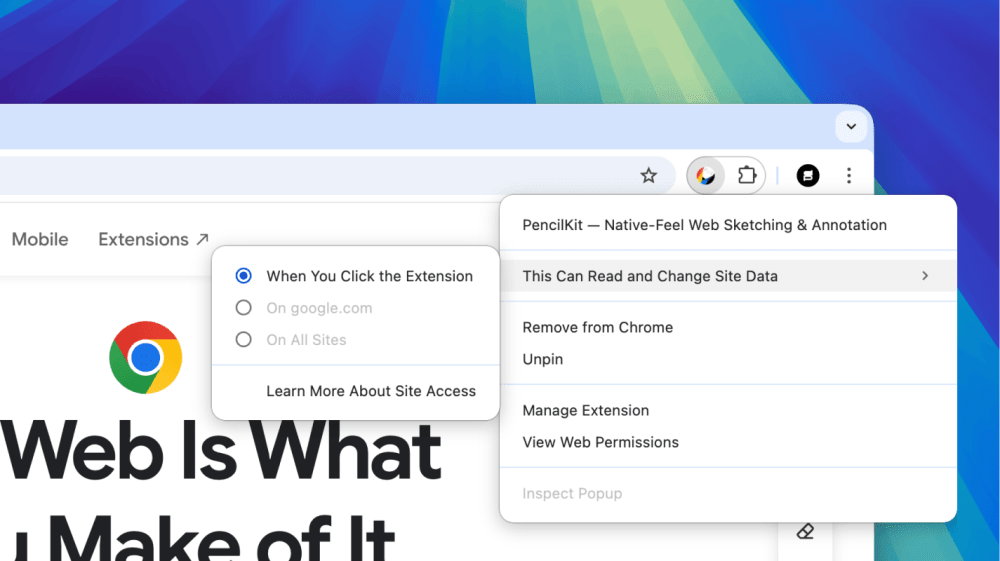
Ready to start?
Enjoy full access free from day one. After 5 days, choose a free key ($0) or contribute any amount to support ongoing development — support is always optional.
Frequently Asked Questions
Everything you need to know about PencilKit.
General
Current Feature & Tool Limitations
More Apps
Small useful apps I build for myself, then share with others.